Download Shoji
For Windows 10 and 11 (64-bit), with Mac, iPhone and Android on the way. Free · Pro free for 14 days.
- WindowsAvailable now
- MacComing soon
- iPhoneComing to the App Store
- AndroidIn the works
Installing
- Open the installer
Open Shoji-Setup.exe from your Downloads folder.
- If Windows says it “protected your PC”
Shoji isn't code-signed yet, so Windows SmartScreen may stop it the first time. Click More info, then Run anyway.
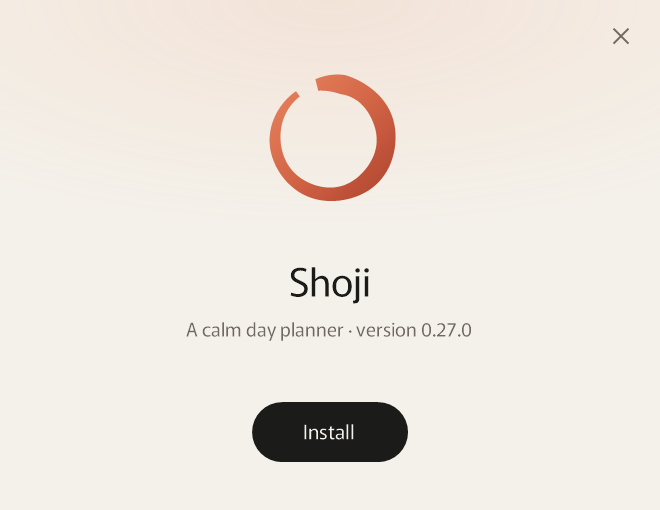
- Click Install
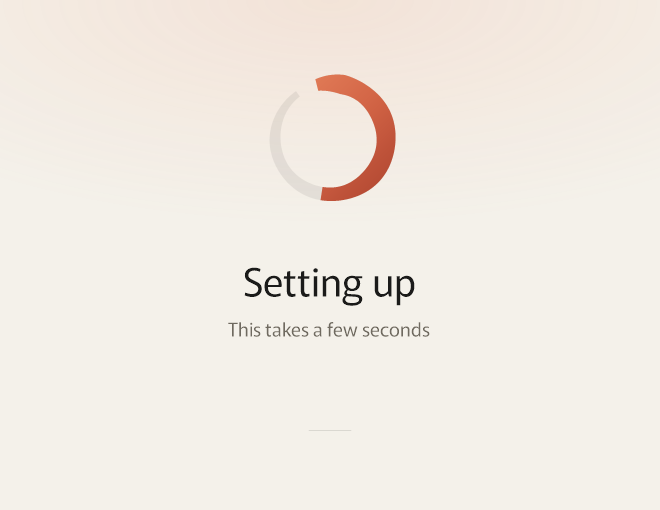
Shoji's own setup window takes a few seconds, and needs nothing else from you.
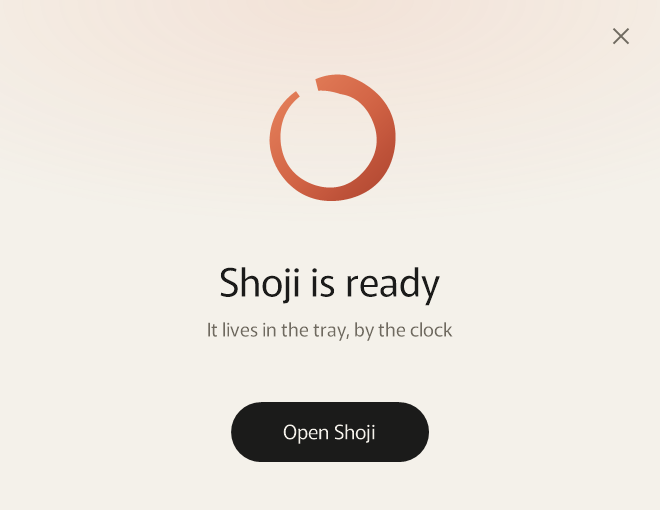
- Open Shoji
Shoji lives in the tray, by the clock, and opens when you sign in to Windows. You can turn that off in Settings.
Check the download (if you like)
To be sure the file is exactly the one published here, open PowerShell and run:
Get-FileHash "$env:USERPROFILE\Downloads\Shoji-Setup.exe" -Algorithm SHA256The long string it prints should match the SHA-256 above.
Updating
Download the new version and run it. It installs over the old one, and your data stays where it is.
Uninstalling
Open Windows Settings, then Apps, Installed apps, find Shoji and choose Uninstall. Your data stays in your Windows folder in case you come back. To remove it too, choose Erase everything in Shoji's Settings, under Data, before you uninstall.